
Ranking a website on Google’s first page is not about simply adding keywords or creating backlinks. In 2026, successful SEO requires a combination of helpful content, search intent, technical SEO, on-page optimization, internal linking, website performance, authority, and continuous analysis.
Google’s current Search guidance emphasizes creating helpful, reliable, unique content and following SEO best practices.
Important: No one can guarantee a first-page Google ranking. SEO takes time, and rankings depend on many factors.
1. What Is SEO?
SEO (Search Engine Optimization) is the process of improving your website so that search engines can better understand, crawl, index, and rank your content for relevant searches.
For example, if you run a hosting company and create an article about “Best Web Hosting for Small Businesses,” your goal is to create a useful page that directly answers what potential customers are searching for.
The main areas of SEO include:
- Keyword Research
- Search Intent
- On-Page SEO
- Technical SEO
- Content SEO
- Internal Linking
- Backlinks
- Image SEO
- Local SEO
- Performance Monitoring
2. Start With Keyword Research
Keyword research is one of the most important steps in SEO.
Don’t choose keywords only because they have high search volume. Consider:
- What are people searching for?
- What is their search intent?
- How competitive is the keyword?
- Can your website realistically compete?
- Does the keyword have business or conversion potential?
Example
Suppose you operate a hosting business.
Instead of targeting a very broad keyword like:
Web Hosting
you could target more specific keywords such as:
- Best Web Hosting in Bangladesh
- Affordable WordPress Hosting
- cPanel Hosting
- Reseller Hosting
- Best Hosting for Small Business
- How to Choose Web Hosting
Long-tail keywords can be a useful starting point for newer websites.
3. Understand Search Intent
Search intent means understanding what the user actually wants when searching for something.
Informational Intent
The user wants information.
Example:
What is cPanel Hosting?
Commercial Investigation
The user is comparing options.
Example:
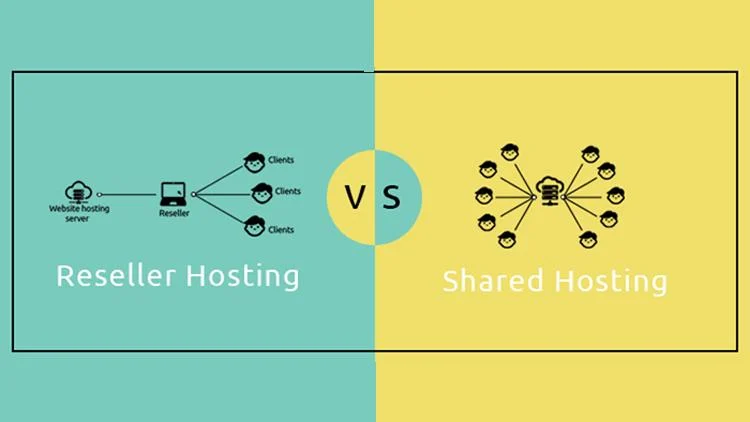
Shared Hosting vs Reseller Hosting
Transactional Intent
The user wants to purchase or take an action.
Example:
Buy WordPress Hosting
Navigational Intent
The user is looking for a specific website or brand.
Example:
BD IT HOST
Your content should match the intent behind the search query.
4. Create Helpful and Original Content
One of the most important parts of SEO in 2026 is creating content that genuinely helps users.
Google’s current guidance emphasizes useful, unique, high-quality content rather than simply producing large amounts of generic content.
Simply generating thousands of words with AI and publishing them will not automatically make your website rank.
Good content should:
- Answer the user’s question
- Provide practical examples
- Be easy to understand
- Use relevant images or screenshots
- Include original insights and experience
- Be updated when information changes
- Avoid copied content
- Avoid unnecessary filler
5. Create SEO-Friendly Titles
Your title should be useful to both users and search engines.
Suppose your target keyword is:
cPanel Hosting
A weak title:
Some Information About Hosting
A better title:
What Is cPanel Hosting? Complete Guide for Beginners
Another option:
cPanel Hosting: Features, Benefits & Complete Beginner’s Guide
Use your main keyword naturally. Avoid keyword stuffing.
6. Keep Your URL Simple
Your URL should be short, descriptive, and easy to understand.
❌ Bad:
example.com/page?id=1258&cat=hosting
✅ Better:
example.com/what-is-cpanel-hosting/
Another example:
example.com/shared-hosting-vs-reseller-hosting/
7. Use a Proper Heading Structure
Organize your content using headings.
For example:
H1:
Google SEO Guide 2026
H2:
What Is SEO?
H2:
Keyword Research
H2:
On-Page SEO
H3:
Title Optimization
H3:
Meta Description
H2:
Technical SEO
A clear structure makes your content easier for users to read and understand.
8. Optimize Your Meta Description
Your meta description may be displayed as part of your search result snippet.
Example:
Learn the complete Google SEO strategy for 2026, including keyword research, on-page SEO, technical SEO, content optimization, backlinks, and Search Console.
A good meta description should:
- Clearly describe the page
- Include the main topic naturally
- Explain what the user will learn
- Encourage relevant clicks
- Avoid keyword stuffing
9. Use Internal Linking
Internal linking means linking from one page on your website to another relevant page.
For example, BD IT HOST could have articles such as:
- What Is cPanel Hosting?
- Shared Hosting vs Reseller Hosting
- What Is WordPress Hosting?
- How to Choose Web Hosting?
- Best Hosting for Business
You can connect these articles with relevant internal links.
For example:
Before choosing a hosting plan, learn What Is cPanel Hosting?
Internal links help users discover more content and help search engines understand the relationship between your pages.
10. Use Relevant External Links
When appropriate, link to authoritative and trustworthy external sources.
This can be particularly useful when explaining technical information, statistics, or official guidelines.
For SEO-related content, Google’s official Search Central documentation is an excellent reference. Google regularly updates its Search documentation and guidance.
11. Improve Technical SEO
Technical SEO focuses on the technical foundation of your website.
Check the following:
HTTPS
Your website should use HTTPS.
Mobile Responsiveness
Your website should work properly on:
- Mobile
- Tablet
- Desktop
Crawlability
Make sure Google can crawl your important pages.
Indexability
Check that important pages are not accidentally blocked or marked noindex.
XML Sitemap
Create an XML sitemap and submit it through Google Search Console.
Robots.txt
Make sure your robots.txt configuration does not accidentally block important content.
Canonical URLs
Use canonicalization properly when you have duplicate or very similar pages.
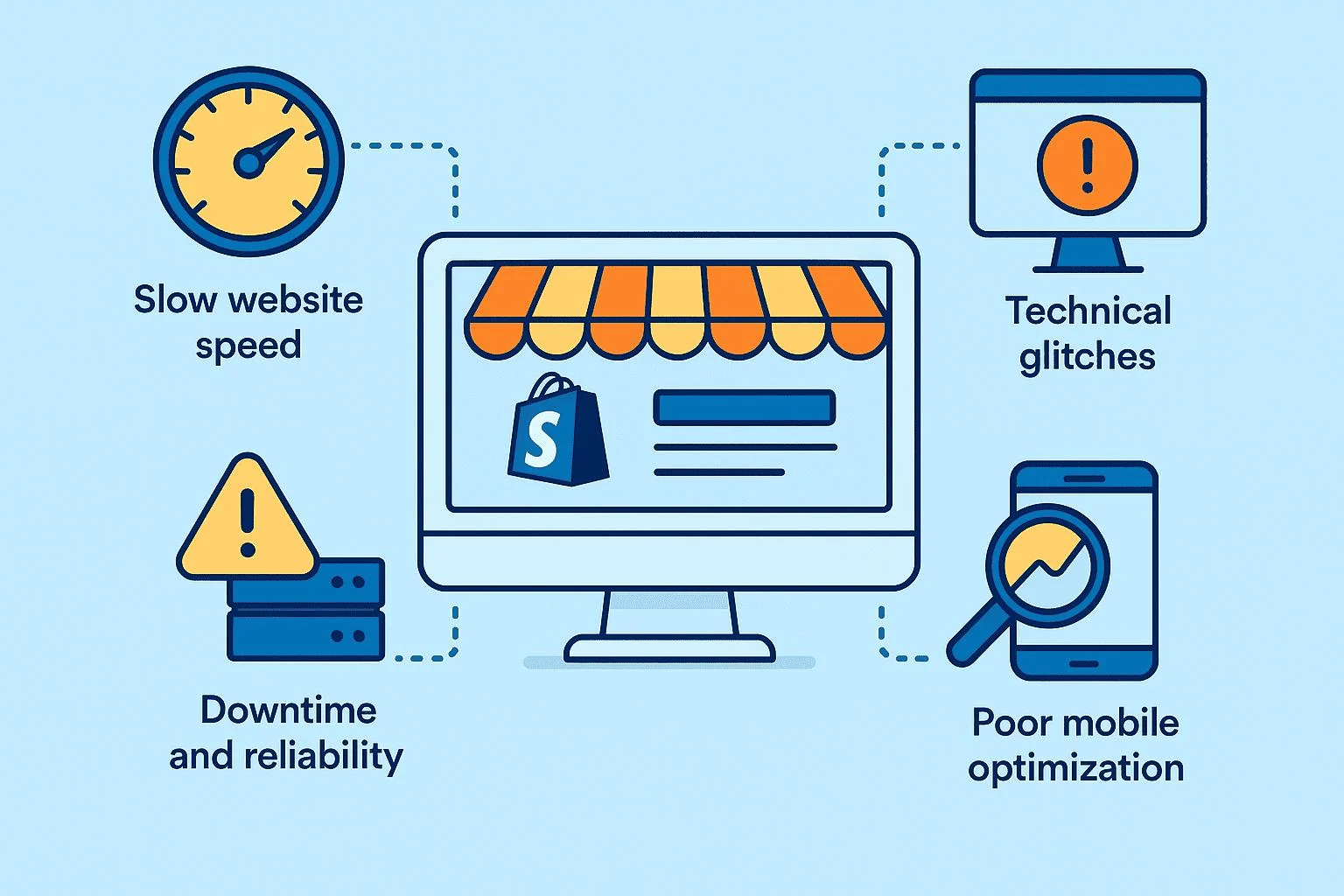
12. Improve Website Speed
A slow website can create a poor user experience.
Especially for mobile users, your website should load efficiently.
Consider:
- Compressing images
- Using modern image formats
- Enabling caching
- Optimizing CSS and JavaScript
- Removing unnecessary plugins
- Using reliable hosting
- Using a CDN when appropriate
- Reducing unnecessary third-party scripts
Don’t optimize only for a perfect speed score at the expense of the actual user experience.
13. Monitor Core Web Vitals
Google’s Core Web Vitals help measure important aspects of page experience.
The main metrics include:
- LCP — Largest Contentful Paint
- INP — Interaction to Next Paint
- CLS — Cumulative Layout Shift
These measure aspects such as loading performance, responsiveness, and visual stability.
14. Optimize Your Images
Images are also part of SEO.
For relevant images:
- Use descriptive filenames
- Add useful alt text
- Compress images
- Avoid unnecessarily large image files
❌ Poor filename:
IMG_4589.jpg
✅ Better:
cpanel-hosting-dashboard.jpg
Example alt text:
cPanel hosting dashboard for website management
15. Build Quality Backlinks
A backlink is a link from another website to your website.
However, not every backlink is a good backlink.
Focus on earning relevant links through:
- Useful resources
- Original research
- Industry contributions
- Relevant business directories
- Partnerships
- High-quality guides
- Valuable tools or resources
Avoid manipulative or spammy link-building practices. Google’s spam policies can result in reduced visibility or other search actions.
16. Use AI Carefully for SEO
AI can be useful for SEO, but don’t rely on AI to mass-produce generic content.
You can use AI for:
- Topic research
- Content outlines
- Keyword grouping
- Grammar correction
- Content ideas
- FAQ ideas
- Content organization
However, add your own:
Experience + Expertise + Examples + Screenshots + Original Insights
This can make your content more useful and differentiated.
17. Use Google Search Console
Google Search Console is one of the most important free tools for SEO.
It can help you understand:
- Which search queries generate impressions
- Which queries generate clicks
- Which pages perform well
- Indexing issues
- Sitemap status
- Search performance
- Search appearance information
Google continues to expand Search Console’s reporting and insights as Search evolves.
18. Use Google Analytics
Google Analytics can complement Search Console by helping you understand:
- Where visitors come from
- Which pages they visit
- How users interact with your website
- Which content performs best
- Which pages contribute to business goals
Don’t focus only on traffic.
Focus on traffic + engagement + conversions.
19. Focus on Local SEO When Relevant
If your business serves a particular geographic area, Local SEO can be important.
For example:
Web Hosting Company in Bangladesh
or:
Web Design Service in Rajshahi
Keep your business information accurate and consistent and use appropriate Google business products and local optimization practices.
20. Update Old Content
SEO isn’t only about publishing new articles.
Regularly review your existing content.
Ask:
- Is the information outdated?
- Are there broken links?
- Are new sections needed?
- Are the screenshots outdated?
- Can the title be improved?
- Has search intent changed?
- Can you add more relevant internal links?
Updating useful content can help keep it relevant.
21. SEO Mistakes to Avoid
Avoid these practices:
❌ Keyword stuffing
❌ Copying content
❌ Mass-producing low-value pages
❌ Spam backlinks
❌ Hidden text
❌ Misleading titles
❌ Doorway pages
❌ Fake reviews
❌ Creating content only for rankings
❌ Promising guaranteed first-page rankings
Google’s spam policies are designed to prevent manipulative practices from influencing Search results.
22. Practical SEO Strategy for 2026
For a hosting business such as BD IT HOST, you could build your SEO strategy like this:
Week 1 — SEO Foundation
- Set up Google Search Console
- Set up Google Analytics
- Create an XML sitemap
- Review robots.txt
- Verify HTTPS
- Perform a technical SEO audit
- Check website performance
Week 2 — Keyword Research
Research keywords around:
- Web Hosting
- Shared Hosting
- Reseller Hosting
- WordPress Hosting
- cPanel Hosting
- Business Hosting
- Domain Hosting
- VPS Hosting
Then identify specific long-tail keywords.
Weeks 3–4 — Content Creation
Create useful beginner-friendly articles such as:
- What Is Web Hosting?
- What Is cPanel Hosting?
- Shared Hosting vs Reseller Hosting
- What Is WordPress Hosting?
- How to Choose Web Hosting?
- Domain vs Hosting
- What Is an SSL Certificate?
- How to Speed Up a WordPress Website?
- What Is Reseller Hosting?
- How to Start a Hosting Business?
Connect these articles with relevant internal links.
23. 3–6 Month SEO Plan
Month 1
Technical SEO + Keyword Research + Content Foundation
Month 2
Publish 10–15 high-quality articles + Build Internal Links
Month 3
Content Updates + Relevant Backlinks + Search Console Analysis
Month 4
Improve Low-Performing Pages + Target New Keyword Clusters
Month 5
Build Authority + Publish Business-Focused Content
Month 6
Scale High-Performing Topics + Improve Conversions
There is no guaranteed timeline for reaching Google’s first page. Search rankings depend on many factors and can change over time.
⭐ The 2026 SEO Formula
Keyword Research
↓
Search Intent
↓
Helpful & Original Content
↓
On-Page SEO
↓
Technical SEO
↓
Internal Linking
↓
Relevant Authority & Backlinks
↓
Search Console Analysis
↓
Content Updates
↓
Repeat
Final Thoughts
The best SEO strategy in 2026 is not about trying to manipulate Google. It’s about creating the best possible answer for the people searching for your topic.
For a hosting company like BD IT HOST, building content clusters around Web Hosting, WordPress, Domains, cPanel, Reseller Hosting, SEO, and Website Development can create a strong topical structure. Each useful article can support related pages through internal linking, helping users discover more of your website.
Most importantly, don’t promise customers that SEO will guarantee a first-page ranking. Instead, focus on a sustainable strategy based on quality content, technical health, search intent, authority, and continuous improvement.